![derivita-logowhite (2).png]](https://support.derivita.com/hs-fs/hubfs/derivita-logowhite%20(2).png?height=25&name=derivita-logowhite%20(2).png)
For teachers: the Assessment Comparison tab answers the question a gradebook can't — did the students who struggled actually improve? It compares your assessments for the same students, so a jump is growth, not a different group.
Get there- Open your teacher dashboard.
- Click the Assessment Comparison tab.
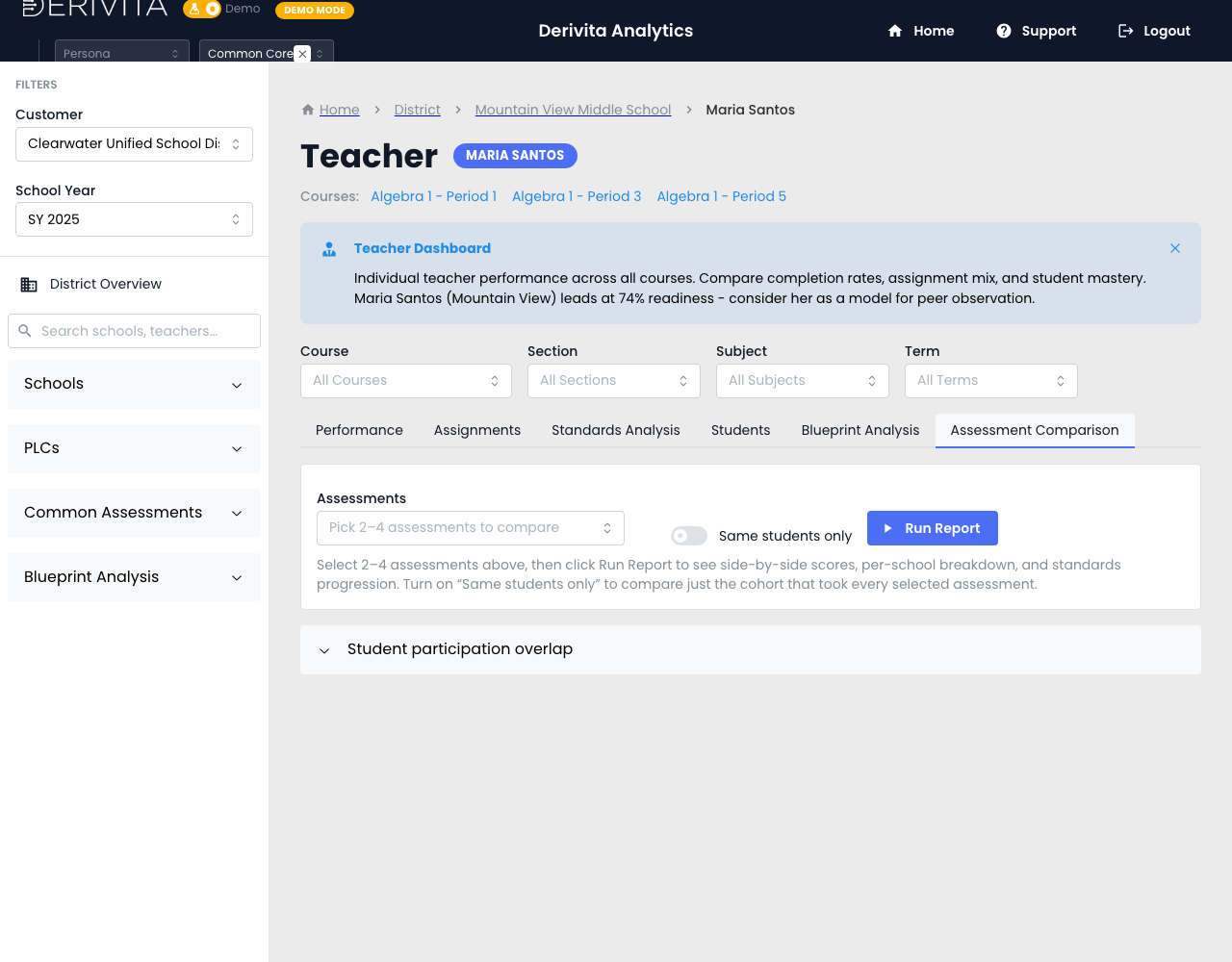 Teacher Assessment Comparison — compare your assessments for the same students
- Pick 2 to 4 of your assessments, then run the comparison — you get side-by-side scores and a standards progression across them.
- Turn on Same students only so the comparison is just the students who took every selected assessment. That's what makes a before/after honest: same kids, measured twice.
- The progression shows which standards moved — so you see not just "scores went up" but "the reteach on Reasoning with Equations landed."
Line up the assessment you gave before a reteach and the one after, flip on Same students only, and read the standards that changed. That's your proof the reteach worked — or the signal to try a different approach.
▶ VIDEO
Related- Your reteach list: What to do Monday
- Your assignments: How did each assignment land?
- The PLC version: Did the cohort improve?